
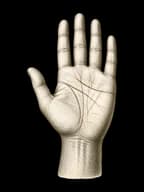
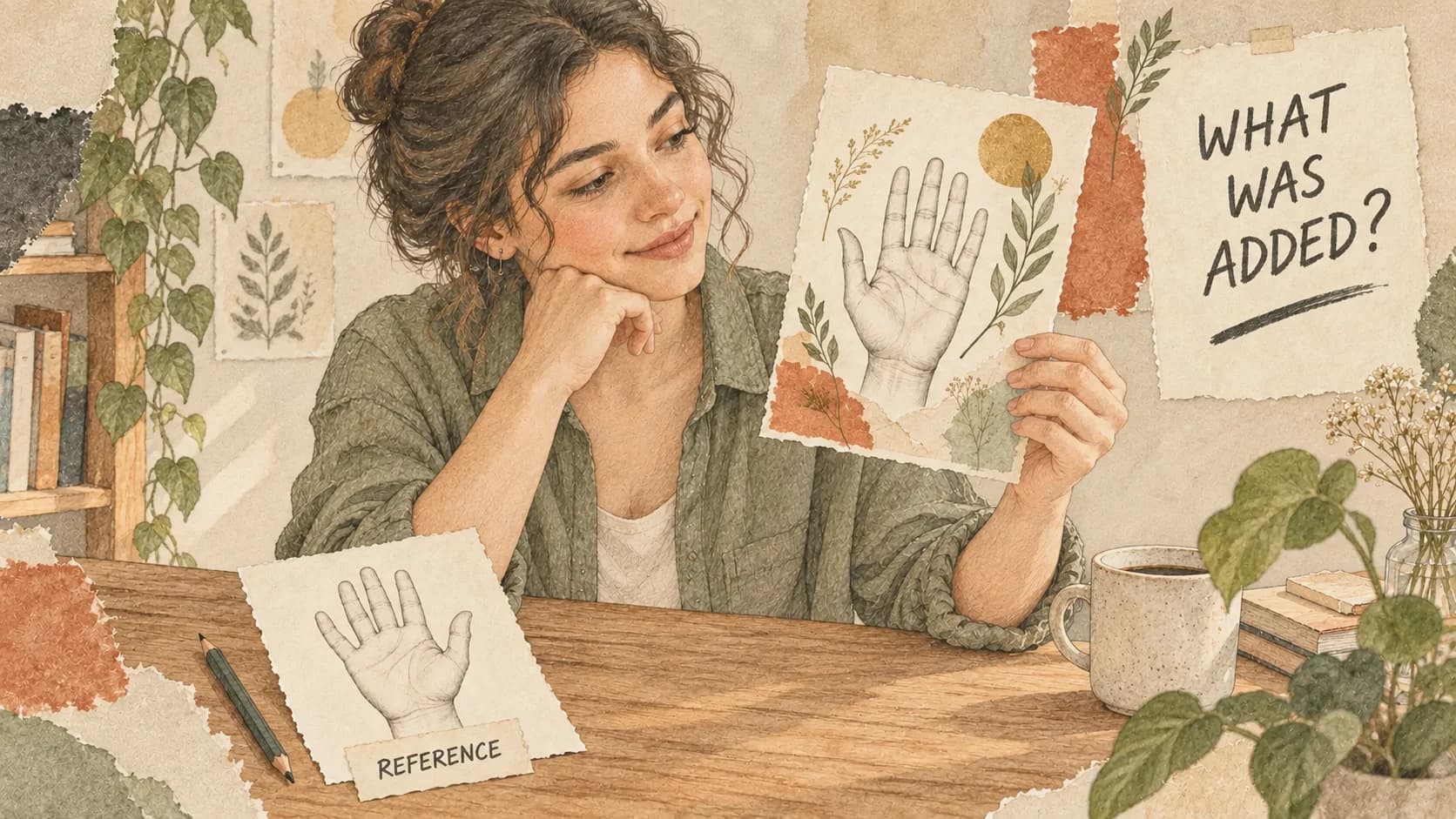
AI palm reading images can mean an original photograph, an annotated copy, a trace someone corrected, or a newly generated illustration. These are different records. A title such as "palm report" does not tell you which one you have. Look for the source image, what was added and who chose any changes before treating a drawn line as something visible on your hand.

The useful question comes after you receive the picture: what part of this can I check against the original? A colourful line may help explain a reading, but its colour belongs to the annotation. A corrected endpoint records a choice. An illustrated hand may be decorative. None of those descriptions, by itself, settles where a faint crease ends.
One branch, four different records
Imagine a photograph called A. A short branch is visible on the palm, but its tip is unclear. The four records below are an openly fictional teaching example, not pictures from a tested service. They follow that same uncertain tip.
| Picture state | Source kept | What was added or changed | Who chose it | What you can inspect |
|---|---|---|---|---|
| Original photo A | The imaginary reference photo | Nothing in this scenario | The photographer recorded the scene | The short visible branch; its tip remains uncertain |
| Annotated copy B | A copy of A | A coloured line and a label | An annotator or tool | Where the colour sits against A; the colour is not part of the skin |
| User-corrected trace C | A draft trace and A as its reference | An endpoint moved by the reader | The fictional reader | The chosen path against A; confirmation does not make the unclear tip certain |
| Generated illustration D | A used as inspiration | A stylised hand with a longer branch | The fictional image creator | A still supplies the visible reference; the extension is invented decoration |
B, C and D do not replace A for checking the detail in this example. Each needs a different label. Calling all four "my palm scan" would hide the distinction between a recorded image, an added mark, a selected path and an invented extension.
"Original" here means the reference photograph you already have. If you do not know whether that file was edited earlier, record that uncertainty too. Do not guess from how natural the hand looks.
Want to see yours?
Scan your palm for a full interpretive reading.
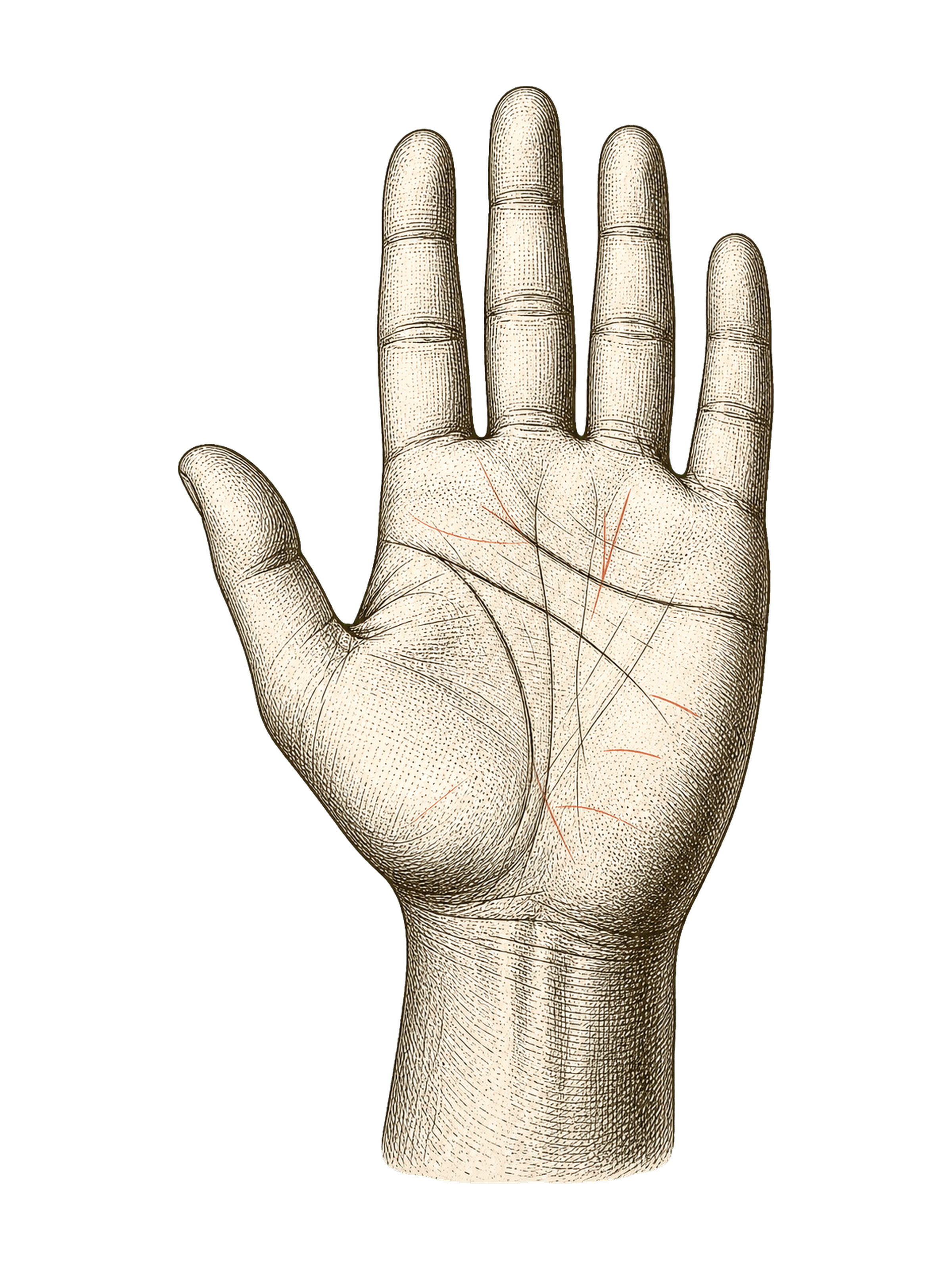
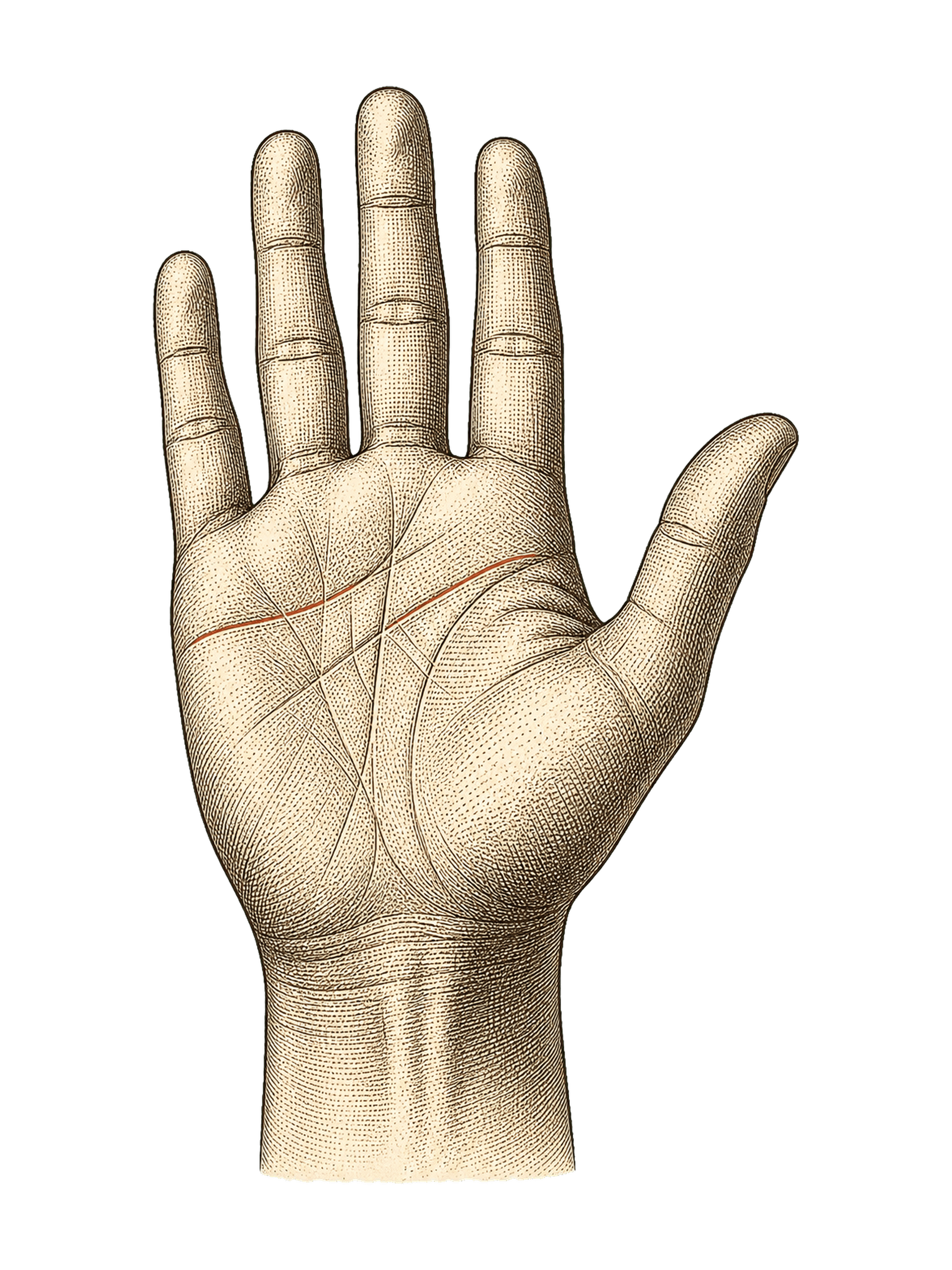
Place your palms here
Both palms, please: your left on the left, your right on the right.
Tap to upload

Tap to upload
Required · 18 or older
Photo privacy · Refund terms ·Details
- Your photos are sent to our analysis provider to write your reading. This browser may temporarily keep pending photos for sign-in or recovery. Photos sent from your phone are kept temporarily for hand-off. See our privacy policy for details.
- When you press Read my palms, both photos go to our analysis provider for a clarity check before payment. This checks the photos, not the validity of a reading.
- Doesn't sound like you? Email us within 7 days of your first reading for a full refund, if you haven't used a second. If a photo can't be read, your credit is returned.
- Next: your reading uses one of your readings, or a short checkout if you have none.
Photo tips
 Photo tips
Keep your palm flat, fingers slightly apart and lines in focus. Use bright, even light, and photograph each palm the same way.
 ✓ Like this
 ✕ Too dark
 ✕ Fingers cut off
What publishers say their pictures are
Public descriptions show why the label matters. These examples come from publisher pages checked on 11 October 2026. They describe advertised formats, not results we purchased or tested.
RizzReport's palm-reading page advertises a traced overlay and a generated visual report. That tells you the kinds of pictures being offered. It does not establish how faithfully a delivered picture preserves a particular photographed crease.
Creen's feature page describes a written report with a labelled overlay, then a separate creative visualisation step. The report and the creative picture have different stated purposes. This is the publisher's description, not a test of either output.
PalmMuse's public page describes an Initial Draft, a My Correction view and an exported card carrying the tracing without the photo. The same page says it will email the App Store link when PalmMuse is ready. Treat these as advertised features with that launch-status qualifier, not a verified installed-app or export experience. A trace-only card would need its source photograph beside it if you wanted to check the selected path.
These descriptions cannot classify an unlabelled picture from another service. Nor does a feature list tell you whether a particular endpoint was selected automatically, moved by a person or invented for an illustration.
When the picture does not say
Keep a short note with the file you already have. You can copy this card into an ordinary note; it is not an upload form or a PalmMingle feature.
- This picture is: original / annotated copy / user-corrected trace / generated illustration / unknown.
- Source I already have: ____.
- Added or changed: ____ / undisclosed.
- Who chose the change: ____ / unknown.
- Detail I can check in the original: ____ / uncertain.
For fictional C, the note would say: "User-corrected trace; photo A; endpoint moved; reader chose it; branch visible, tip uncertain." It records the decision without pretending the photograph resolved it.
If the source or additions are undisclosed, ask: "Is the hand here my original photograph with additions, a trace I confirmed, or a newly generated illustration? What was added or changed?"
Until you have an answer, keep "unknown". You do not need to upload another photograph to complete this note. If the original is unavailable, write that down instead of treating the polished version as a substitute.
An example illustration is still an example
PalmMingle's public sample labels its hand image as an engraved plate, not a customer photograph. You can read that sample to see the worked-example format; the illustration is not an overlay of your own palm. For the current reading offer, use the AI palmistry page.
Other questions belong to different checks: use the palm-photo guide before taking a picture, the privacy guide for handling and retention questions, and the sharing guide before sending a reading onward.
For the picture already in front of you, keep the task smaller: identify its source, additions and chooser. If the branch tip was uncertain in the reference, an attractive report does not have to turn that uncertainty into an answer.
Palmistry is an interpretive tradition, not a diagnostic tool. PalmMingle frames palm readings as entertainment and self-reflection, not prediction.