
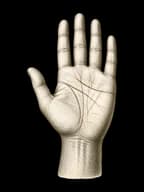
Before uploading a palm photo to an app, ask where the image goes, what is kept, who else processes it and what deletion actually removes. A camera permission prompt answers only one part of that decision.

You can enjoy palmistry as entertainment and still be selective about sharing a photograph. Curiosity is not an obligation to upload.
Follow the photo through three places
Instead of asking only “Is this app private?”, ask about each possible copy:
| Place to ask about | Specific question |
|---|---|
| Your device or browser | Is a photo saved while I sign in, and what happens if I abandon the process? |
| The app's service | Is the original image retained, or only the written reading? What is the retention period for each? |
| An analysis provider | Does another company receive the image, and which terms govern its retention and use? |
These are questions, not a claim that every app uses the same architecture. An answer about the app's own database does not automatically answer the question about a separate provider.
The US Federal Trade Commission's app-security guidance tells developers to minimise what they collect and keep. It also warns that platform permissions are not a substitute for explaining data practices. As a reader, you can ask for that explanation in ordinary language.
Want to see yours?
Scan your palm for a full interpretive reading.
Place your palms here
Both palms, please: your left on the left, your right on the right.
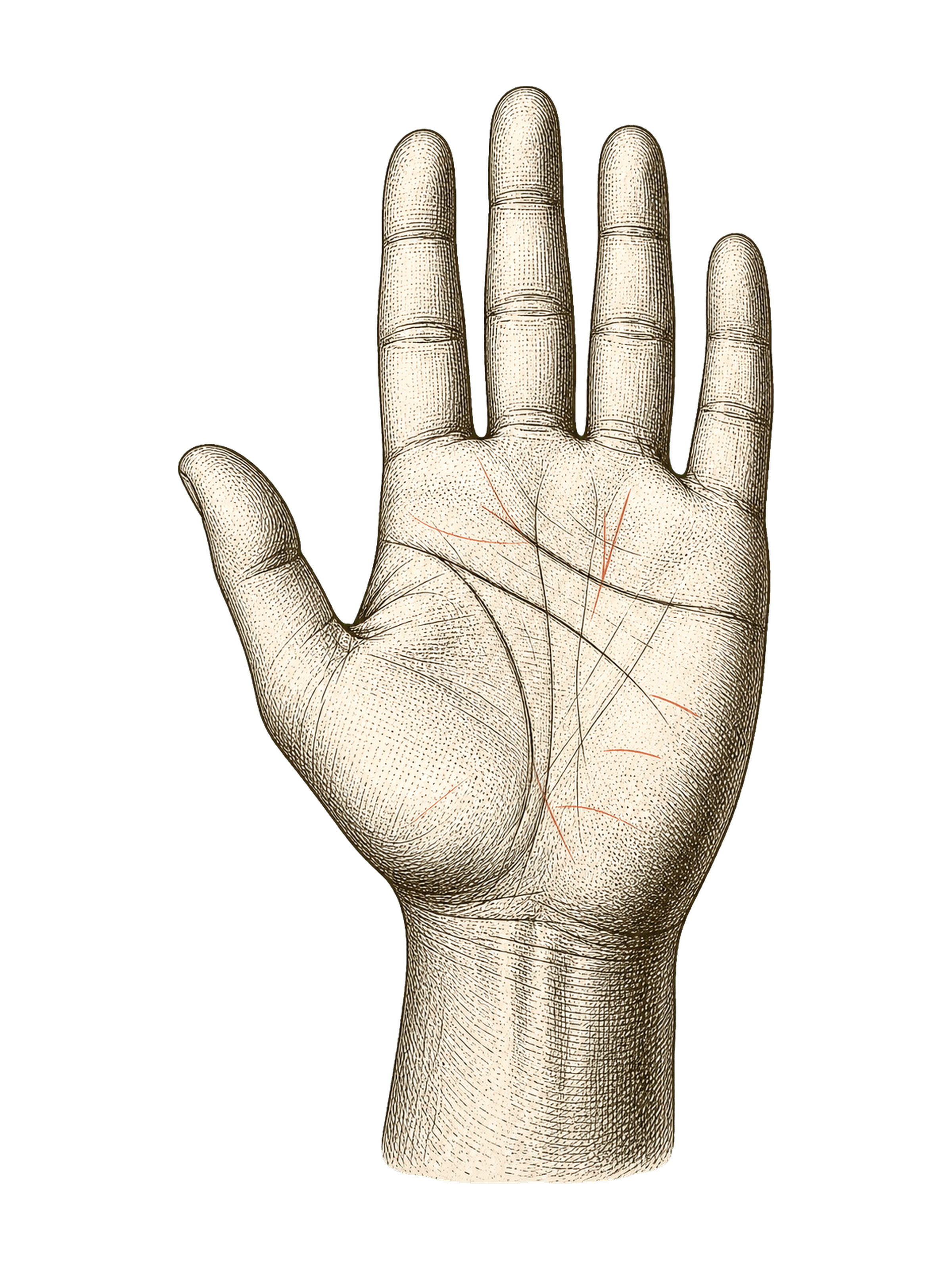
Tap to upload

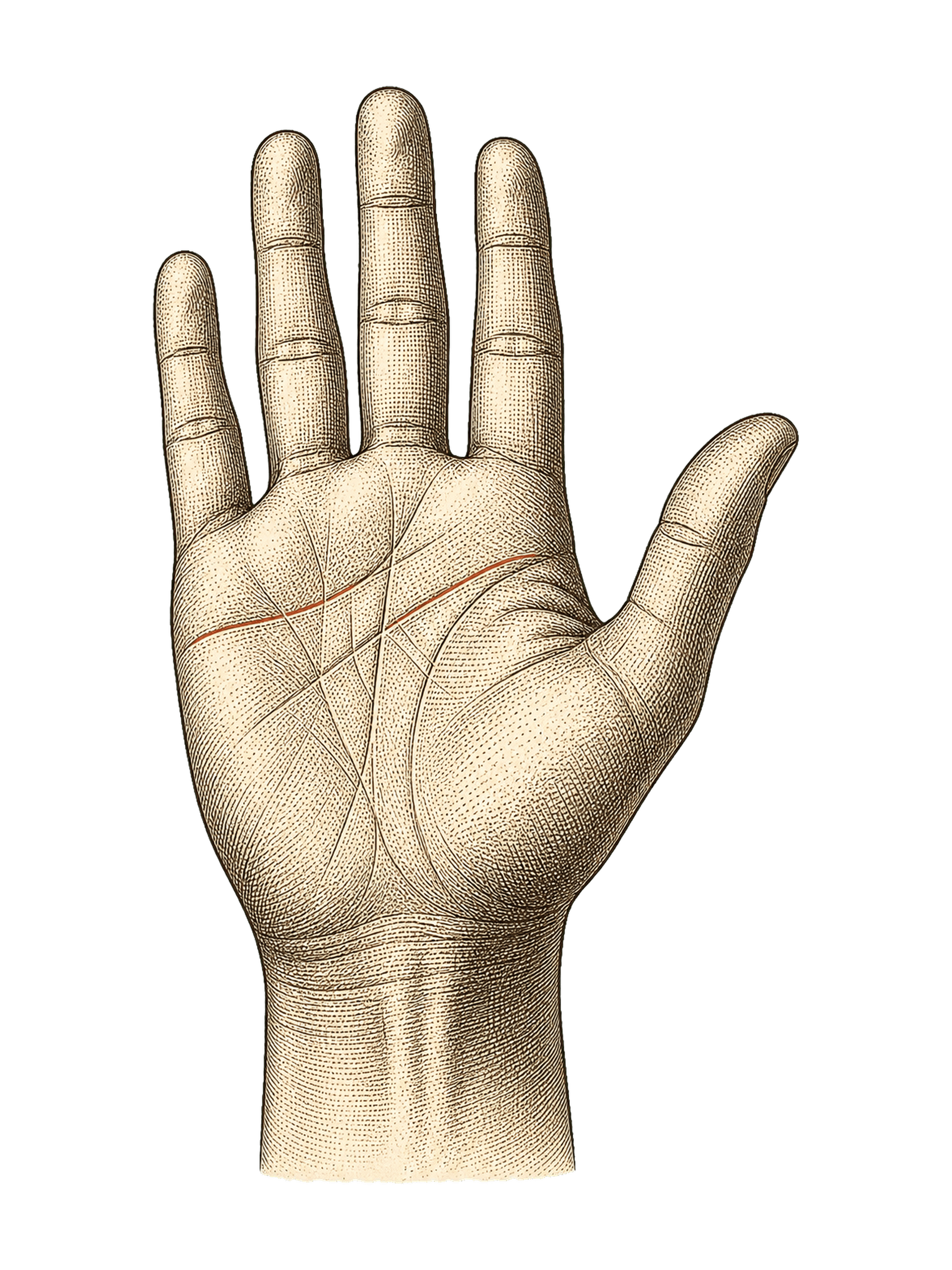
Tap to upload
Required · 18 or older
Photo privacy · Refund terms ·Details
- Your photos are sent to our analysis provider to write your reading. This browser may temporarily keep pending photos for sign-in or recovery. Photos sent from your phone are kept temporarily for hand-off. See our privacy policy for details.
- When you press Read my palms, both photos go to our analysis provider for a clarity check before payment. This checks the photos, not the validity of a reading.
- Doesn't sound like you? Email us within 7 days of your first reading for a full refund, if you haven't used a second. If a photo can't be read, your credit is returned.
- Next: your reading uses one of your readings, or a short checkout if you have none.
Photo tips
 Photo tips
Keep your palm flat, fingers slightly apart and lines in focus. Use bright, even light, and photograph each palm the same way.
 ✓ Like this
 ✕ Too dark
 ✕ Fingers cut off
Check purpose as well as permission
A service should explain why it needs the information it requests. A palm photograph and an entire contact list are different things; a feature that uses one does not explain why it needs the other.
Look for separate answers about generating the reading, storing a history, account details, analytics and any use for model development. Do not treat “used to improve the service” as a precise answer to all of those questions.
Where your device offers a selected-photo option, consider whether that meets the task without broader library access. If a permission request surprises you, pause and read the explanation before granting it.
Is a palm photo biometric data?
There is no useful blanket answer based only on the word “palm”.
The UK Information Commissioner's Office explains that an ordinary photograph is not automatically biometric data. Specific technical processing that allows or confirms unique identification is important to that definition.
That distinction is not a security certificate, and it does not decide the legal status of every palm-reading service. The practical question remains: what processing is done, and for what purpose? This article is a reader checklist, not a legal assessment of an app.
Remember what is outside the palm
Before sharing, check the background for faces, addresses, screens or documents. Think about photo metadata too: an image can carry information beyond the visible scene.
Apple's location-metadata guide explains how Camera location permission affects collection and how to exclude location when sharing through the Photos share sheet. Those instructions apply to the documented sharing route. Do not assume a toggle in that route controls every upload inside another app or website.
If you want capture advice without a privacy promise attached, use our palm-photo checklist.
What this means for PalmMingle
PalmMingle's upload flow can keep pending photos in your browser while you sign in. Closing a tab is not a reliable way to clear that stored site data.
For a reading, image inputs go to our server and then to a third-party analysis provider; reading output is stored with the account. These are separate stages. We do not ask you to treat this article as an independent security audit or as verification of that provider's retention terms.
Read our palm-image privacy section and contact us if you need an answer about a particular copy, deletion request or provider practice before continuing. Ask about the written reading separately from the image. Do not infer that deleting one necessarily deletes every other record.
Sending a written result is a separate choice: our PalmMingle sharing guide compares a selected card image, public link and chat preview before you send.
A question you can send before deciding
Here is a draft you can adapt:
Before I upload a palm photo, please explain what stays in my browser, what your service retains, and which analysis providers receive it. For each, what is the retention period, is the image used for model training, and how can I request deletion? Does deleting a reading or account remove all of those copies, including backups?
A precise answer is more useful than a broad adjective such as “secure”. If the answer remains unclear or you are uncomfortable with it, choosing not to upload is reasonable.
If you still want an interpretation, compare automated reports and human reading formats separately from the provider's photo-processing answers.
You can still explore our map of the palm's traditional mounts without sending a photograph. If you decide a reading suits you, the PalmMingle product page explains the interpretive experience and pricing covers the purchase. Neither replaces an informed choice about your image. If you are also comparing offers, our free-versus-paid reading checklist separates the photo decision from the payment decision.
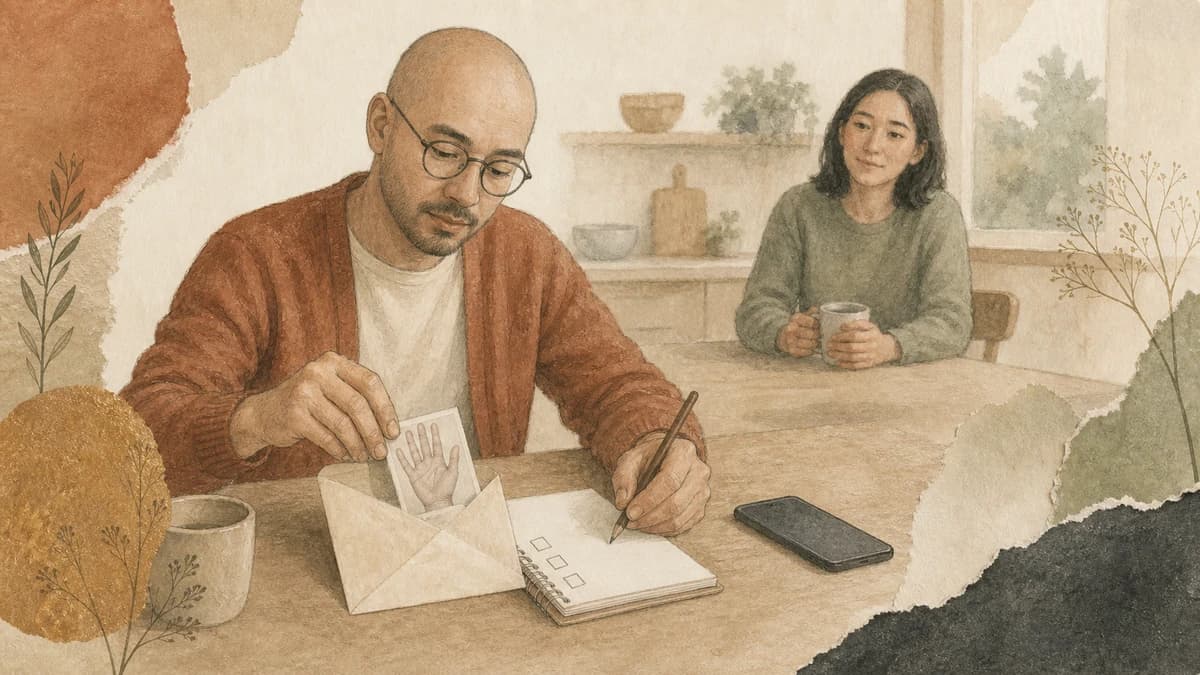
The hero is an editorial illustration of a sharing decision, not a security guarantee or product screen.
Palmistry is an interpretive tradition, not a diagnostic tool. PalmMingle frames palm readings as entertainment and self-reflection, not prediction.